 OT Catcher
Every asset captured quickly.
Including all details.
Effortlessly capture physical assets and paper documentation digitally.
From equipment labels to electrical diagrams with handwritten notes.
Works seamlessly with OT Canvas.
With OT Catcher for iPhone, capture asset data while standing beside the device. Scan a label, add details and build your inventory.
- Scan text and barcodes with the camera
- Use predefined forms and locations
- Export data as JSON or CSV
The standard format for OT Canvas is available in the OT Catcher app.
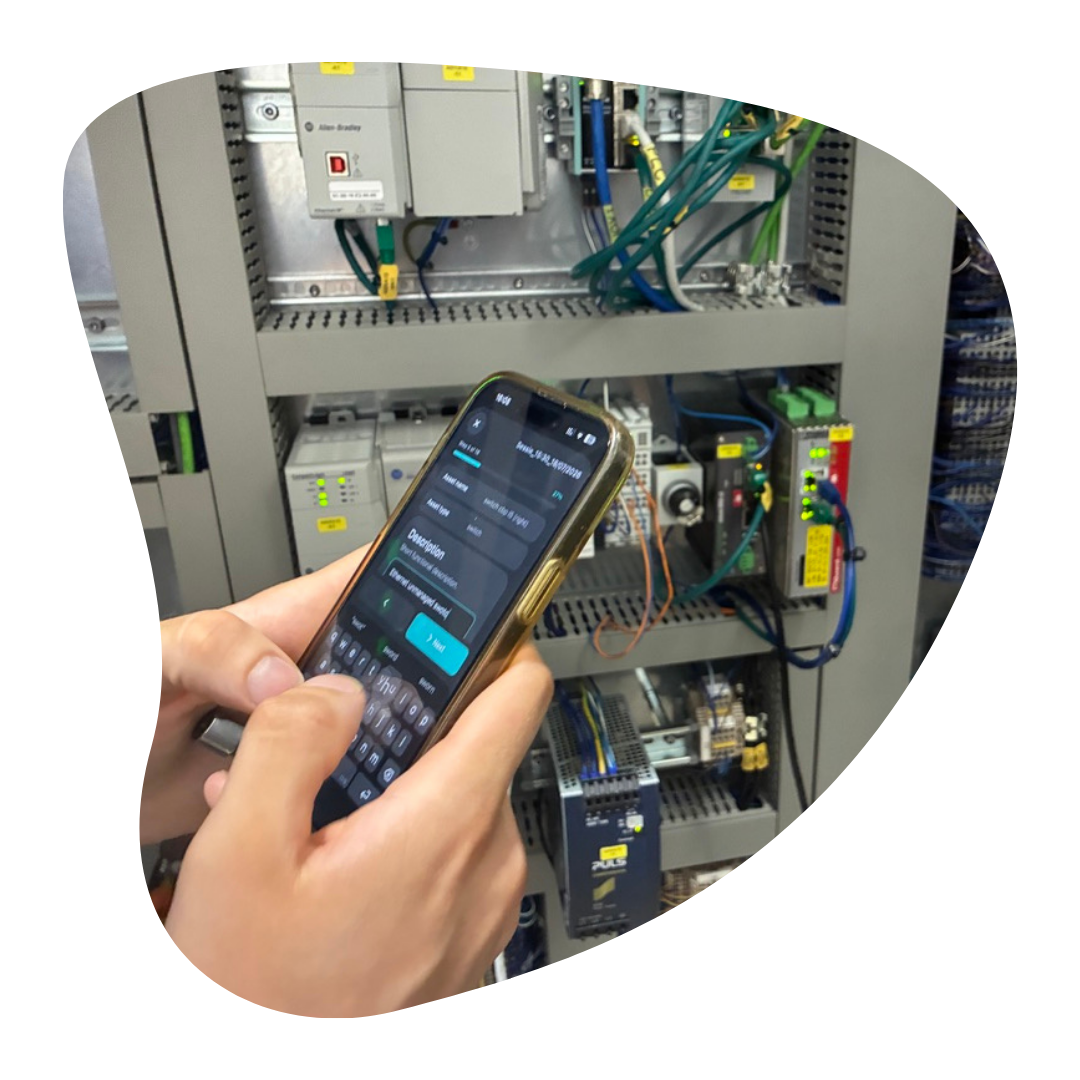
BUILT FOR ASSET INVENTORIES
From your workflow
to useful data.
A form that fits
Build a library of properties. Combine them into forms with required, optional and multiple values. Each session keeps its own form layout.
Every asset in its place
Set up location hierarchies. A one-time location request can suggest a nearby site. You select the remaining location levels yourself.
Less retyping
Select text using the camera or an existing photo. Check the value before saving it. Manual entry remains available.
YOUR INVENTORY AT HAND
Stored locally.
Managed by you.
The app stores sessions and configuration on your iPhone. Apple services may be used for address lookup and photos from iCloud.
Read how your data is processed →ALSO IN THE OT FAMILY
Take a look at OT Canvas.
Discover our SaaS for an overview of your OT environment.